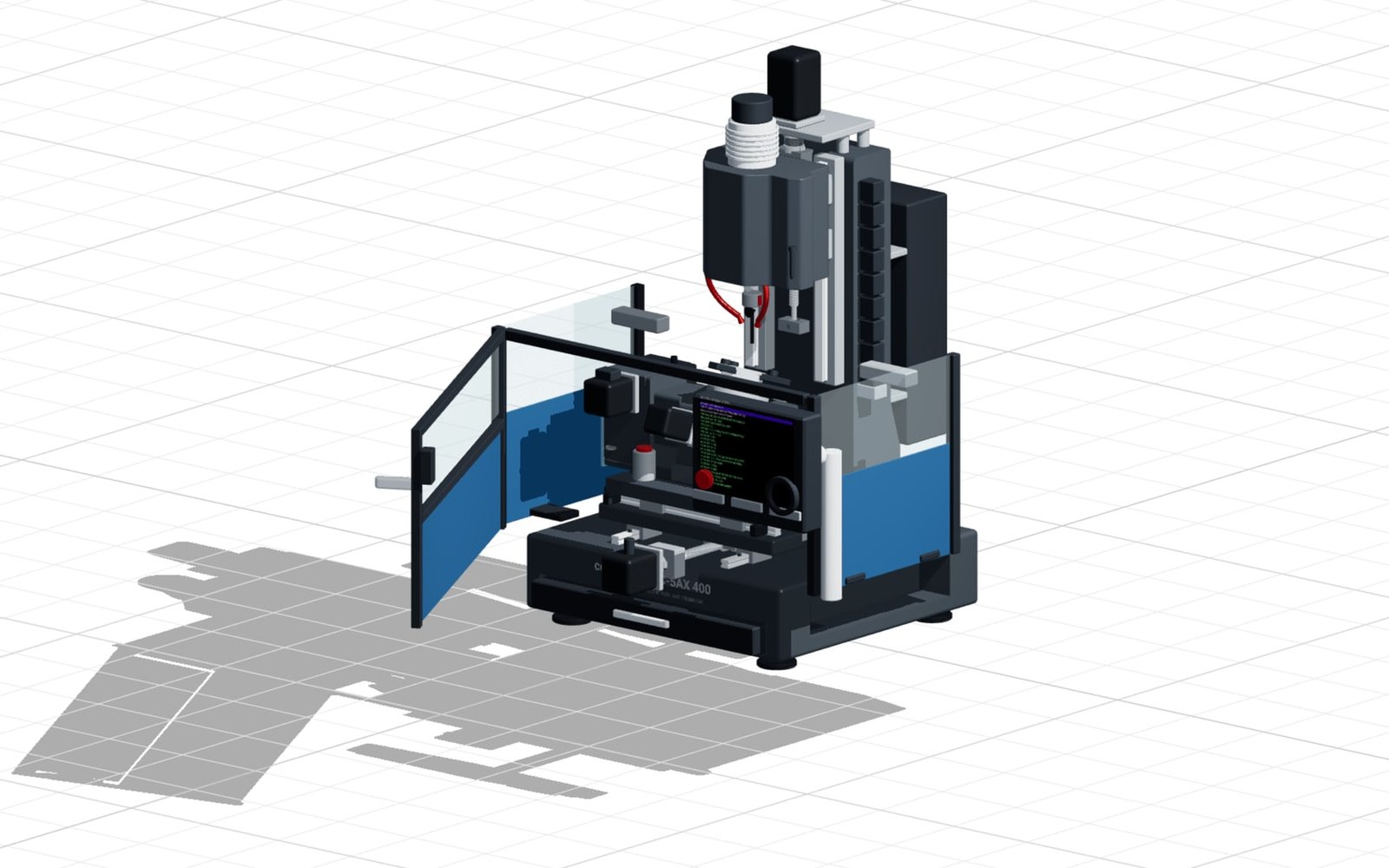
5-axis machining centre
A benchtop machine with a trunnion table: X, Y and Z, the A swivel and the C rotation can be driven live, the enclosure door opens, and both workpiece and tool follow the configuration.
Open exampleAI generates parametric designs. FEM validates structural integrity. Manufacturing exports close the loop. Configure complex machinery with exact, rule-driven dimensions.

Every assembly below is a parametric model with real geometry and running kinematics. Change the dimensions, start the motion, check the result.
A benchtop machine with a trunnion table: X, Y and Z, the A swivel and the C rotation can be driven live, the enclosure door opens, and both workpiece and tool follow the configuration.
Open example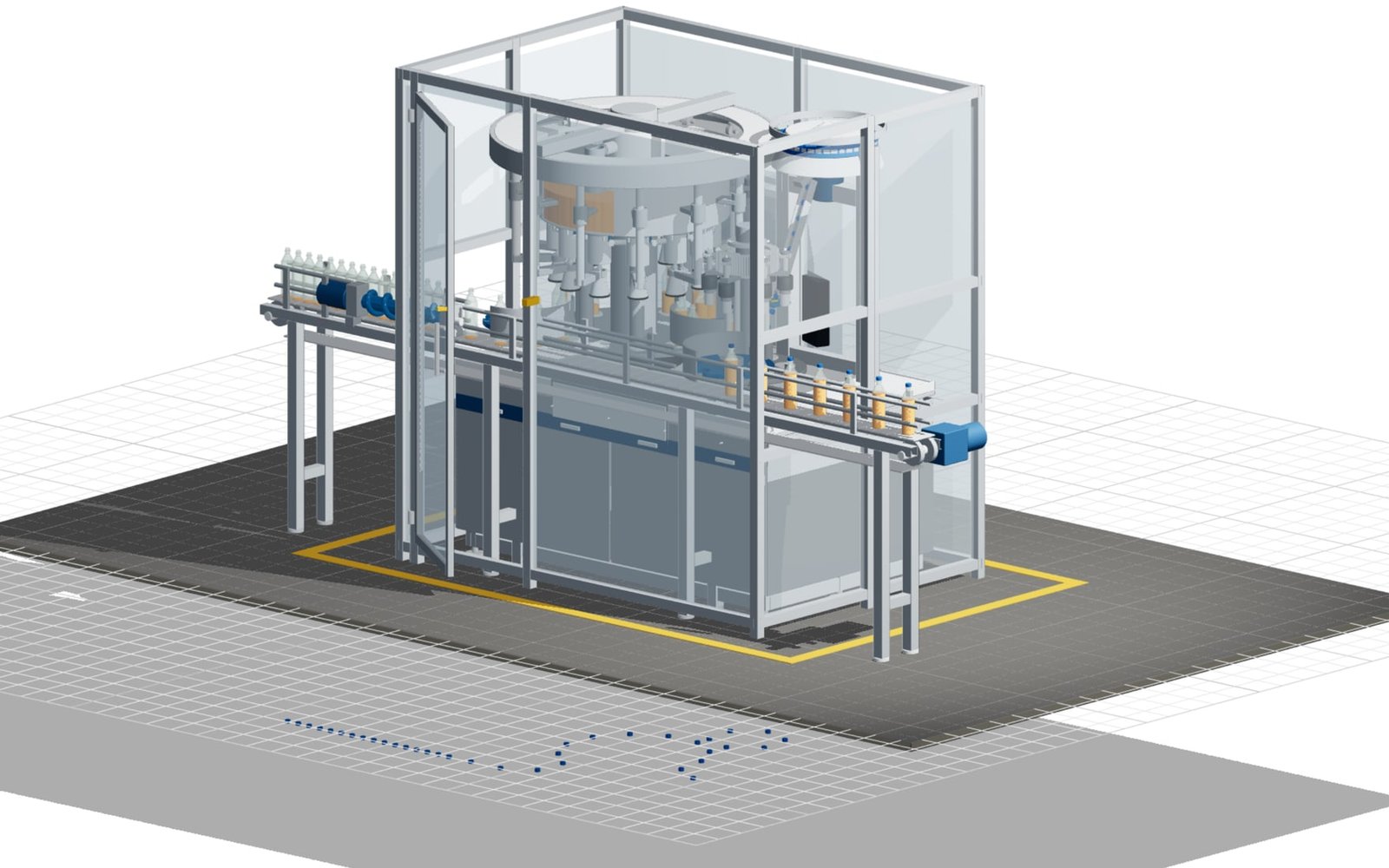
A filling monobloc for bottled beverages: valve count, pitch circle and bottle format are parameters. Guarding and cladding can be removed, and the filling and capping cycle runs station by station.
Open example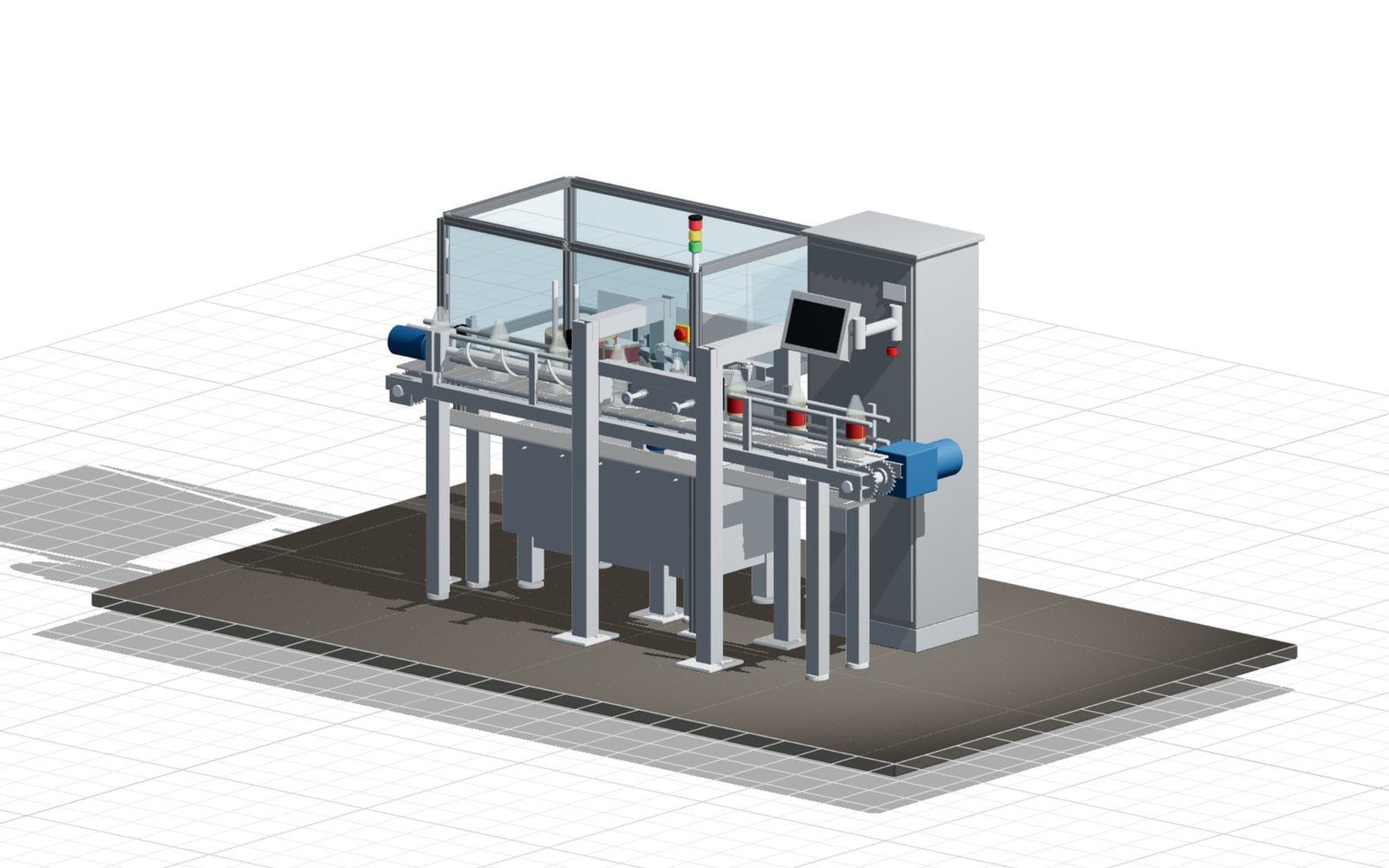
A self-adhesive labeller on a hinged-belt conveyor. Bottle format, label height and belt length are parameters; guarding and control cabinet can be switched off, and the labelling cycle runs as an animation.
Open example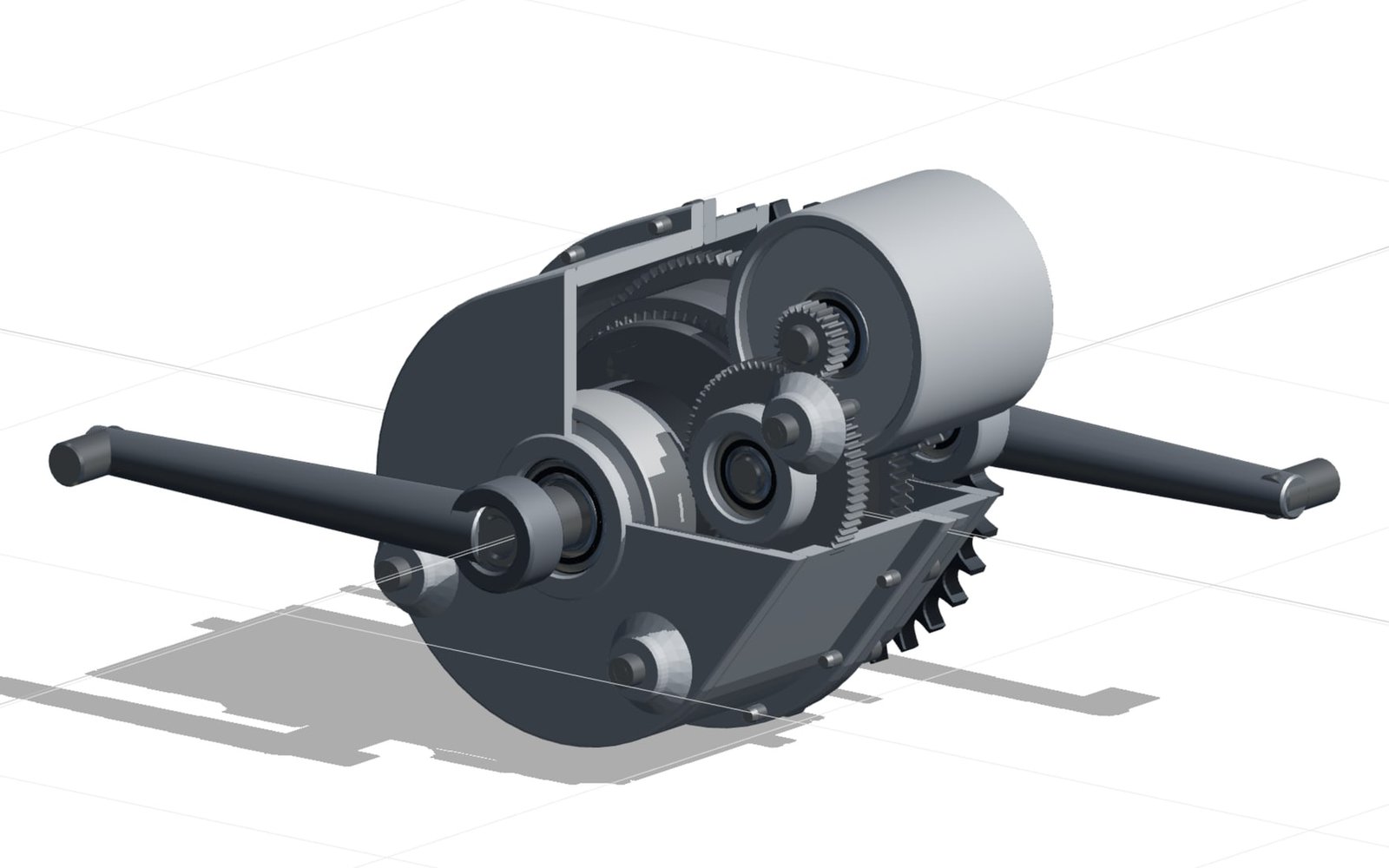
A power-split planetary set acting as a continuously variable gearbox: cadence and MG1 speed set the ratio. The housing can be shown as a section model and the unit driven into an exploded view.
Open example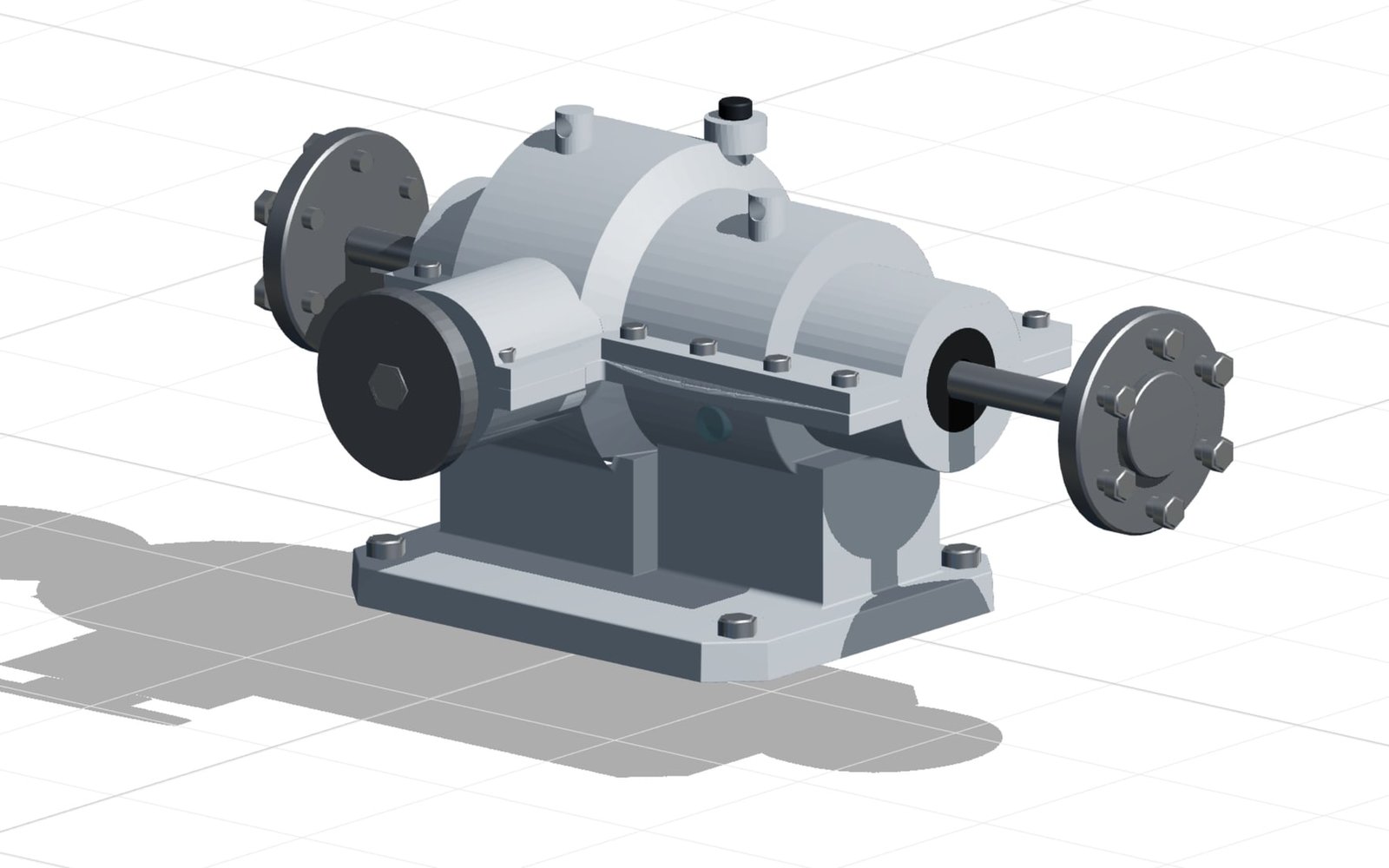
Pinion, crown wheel, spider gears and side gears as complete kinematics: straight running, cornering with an adjustable speed split and a blocked wheel all run as animations.
Open exampleEngineering teams need more than a visual model. confBuild keeps machine logic, constraints, validation, quoting, and export data connected so every configured result can move forward.
Define reusable engineering logic, let teams configure safely, and hand off structured outputs without recreating the model.
Set rules for assemblies, dimensions, compatibility, and options.
Let sales or engineering teams explore valid machine and part variants.
Check the result against logic, BOM, cost, and export requirements.
Generate CAD, drawings, BOM, quote documents, and ERP-ready data.
The same model that sales edits can carry engineering rules, BOM logic, CAD exports, and quote context into the next decision.

Capture the product logic once, then use it for sales configuration, engineering review, quoting, and manufacturing exports.
Define dimensions, interfaces, option dependencies, and part relationships so every configured machine or component remains inside the rules your engineers approve.
Keep structural assumptions, clearances, selected materials, and commercial boundaries visible while the model is still being configured.
Tie parts, quantities, supplier items, cost drivers, and selected options to the configured state instead of rebuilding the quote from screenshots.
Generate CAD geometry, drawing inputs, and technical documentation from the same approved variant used during configuration.
Each configured result carries the logic and data needed for the next team.
Launch focused experiences for planning, automation, AI-generated custom parts, and reusable component logic.
Move from concept to review-ready layout fast with configurable prototypes, option studies, and planning outputs.
05Turn standard parts, purchased modules, and reusable assemblies into configurable building blocks for every engineering project.
Give customers a browser configurator for your machines and parts.